01
Choose who you text.
Connect Sirius, Codex, Claude Code, or another supported agent. MCP apps can use Messages tools; they do not answer incoming texts automatically.

SiriusMsg / Mac
Choose an agent on your Mac, share the conversations it should answer, and keep texting in Messages.
Apple silicon · macOS 15 or later · Alpha
Connect Sirius, Codex, Claude Code, or another supported agent. MCP apps can use Messages tools; they do not answer incoming texts automatically.
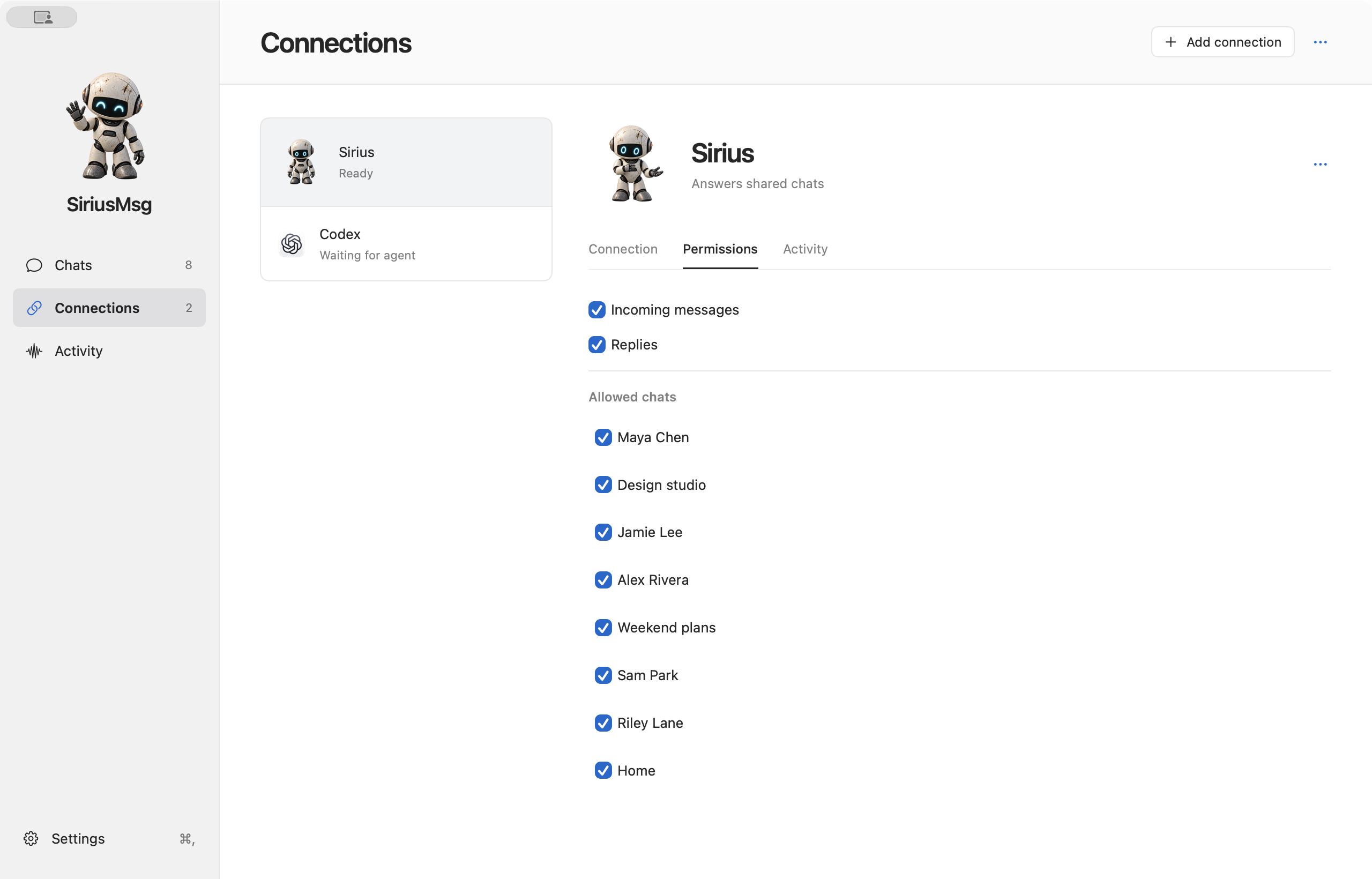
Choose individual conversations, then decide separately whether an agent may receive messages and send replies. Messages from before you first shared the chat are not replayed by default.
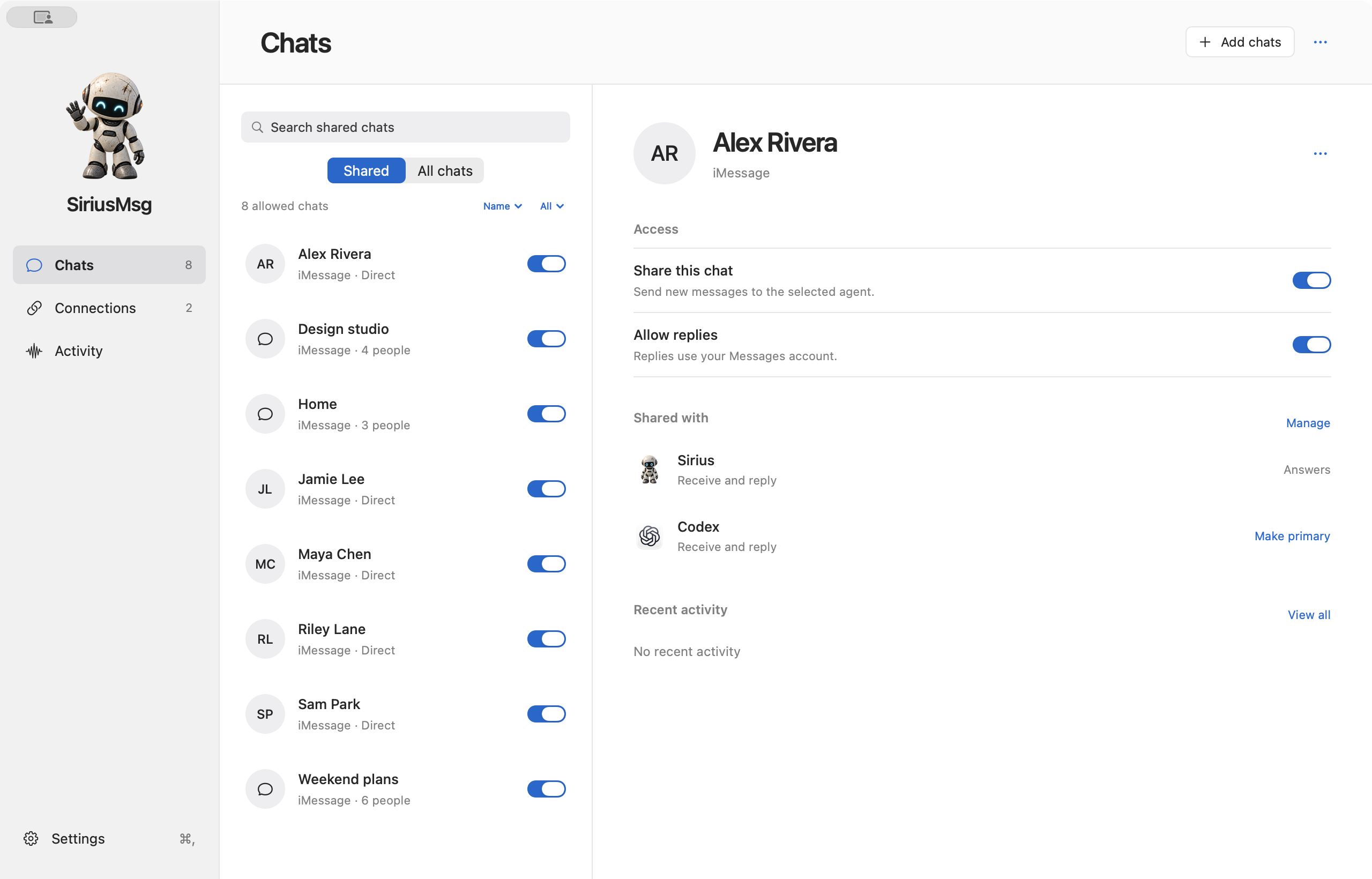
Manage incoming messages, replies and allowed chats separately for each connection. When more than one agent shares a conversation, choose which one answers.
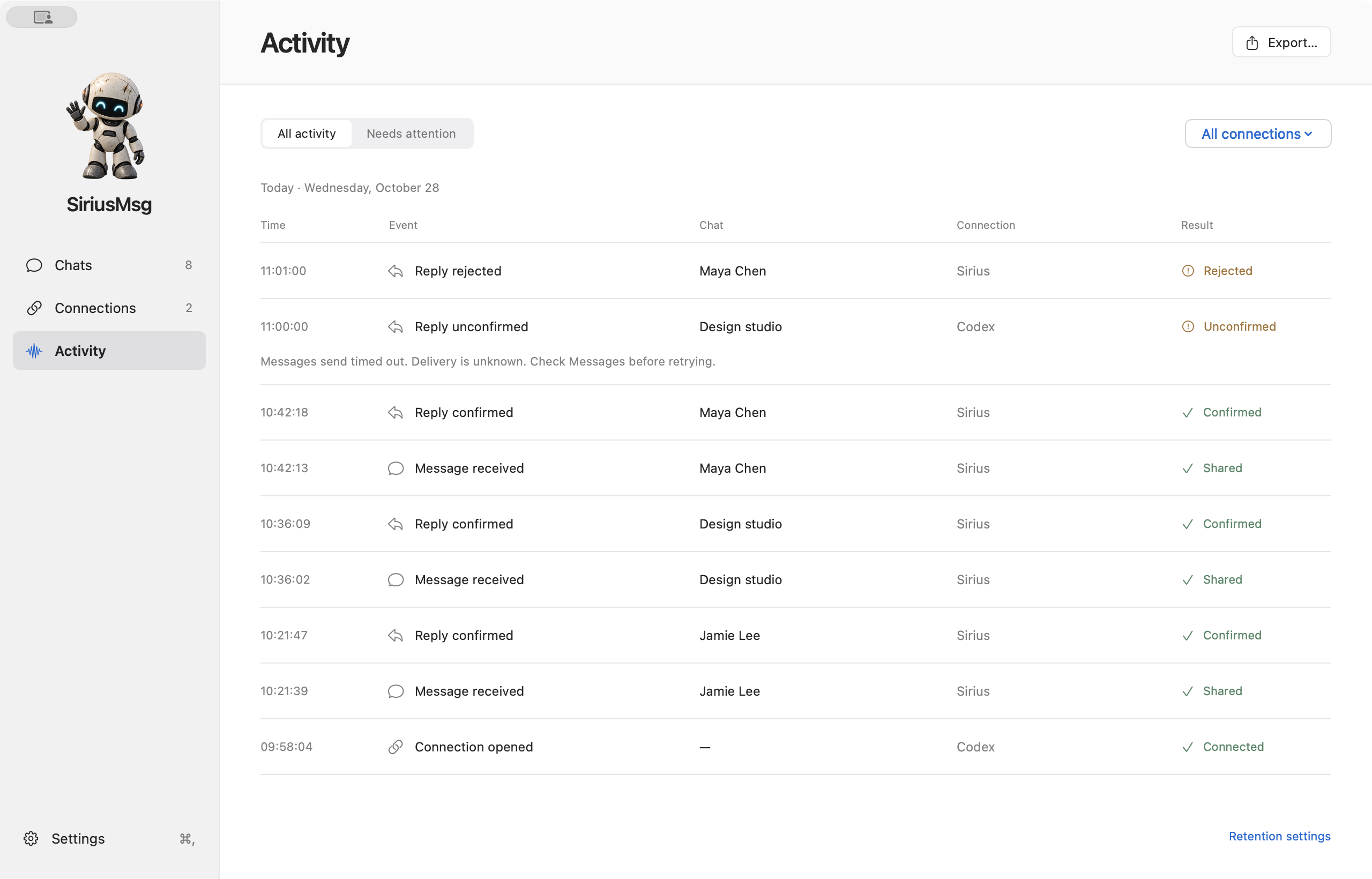
Activity marks replies as confirmed, unconfirmed or rejected. Confirmation means SiriusMsg found the reply in Messages on your Mac. Unconfirmed replies stay visible for review, so you can check Messages before retrying.
Built with SwiftPython · More apps on this runtime →